Quick Start Guide
This guide will show you how to quickly use KRPano Plugin Decryptor.
KRPano Plugin Decryption Function
KRPano Plugin Decryptor can decrypt KRPano XML/JS plugins with one click, making it convenient to learn and study KRPano panorama projects.
Load the website to decrypt
-
Open the software and wait for initialization to complete

-
In the address bar, enter the KRPano panorama project you want to decrypt and press Enter, as shown below:

-
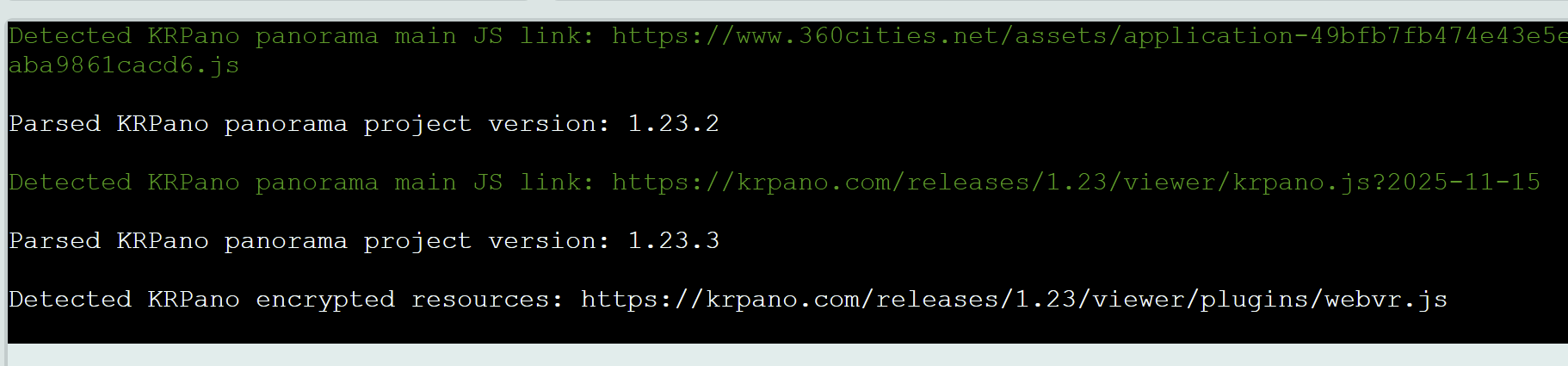
Wait for the panorama project to load. You can see the log information showing the version of the current panorama project and all encrypted resources
Decrypt a single file
-
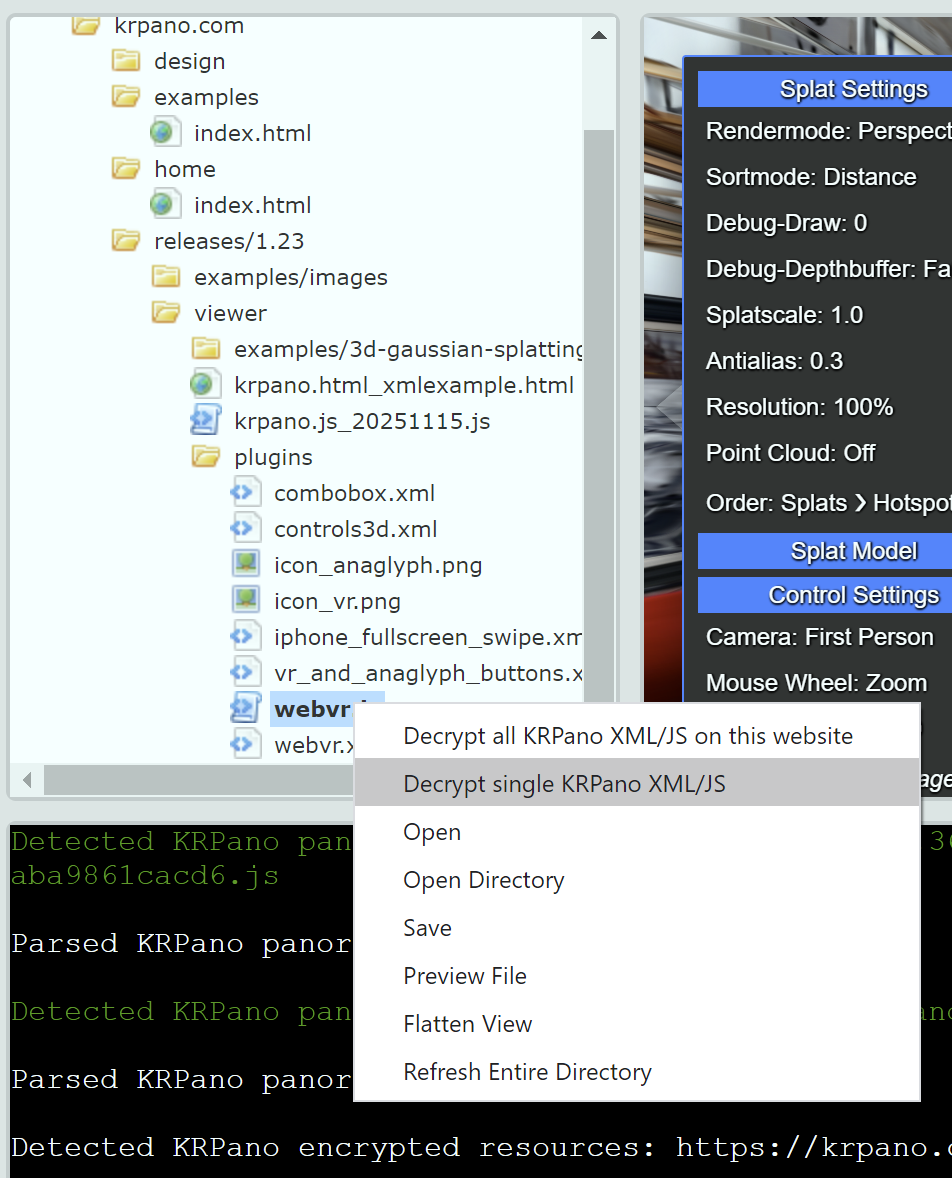
In the resource viewer on the left, find the resource to decrypt, right-click -> Decrypt single KRPano XML/JS
-
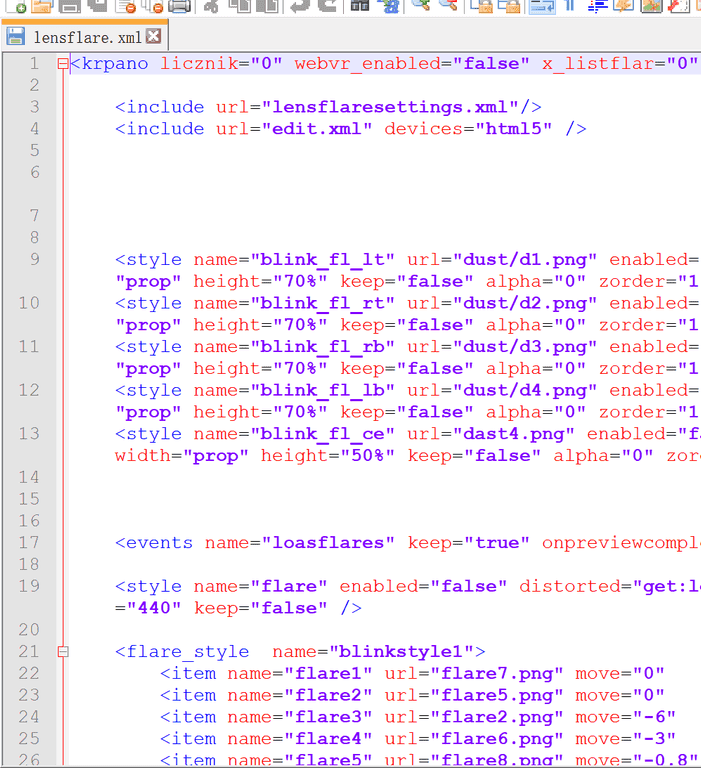
A save dialog will pop up, select the location to save, click OK. The decrypted file is as follows
Batch decrypt all website files
-
Right-click anywhere in the software and select Decrypt all KRPano XML/JS from this website
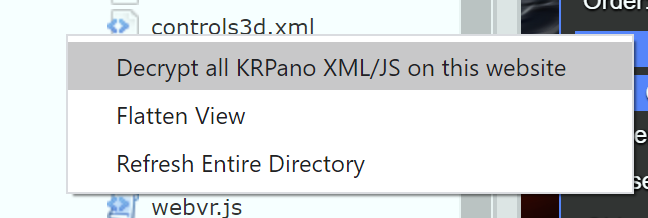
-
A save dialog will pop up, select the location to save, click OK. All decrypted files are as follows
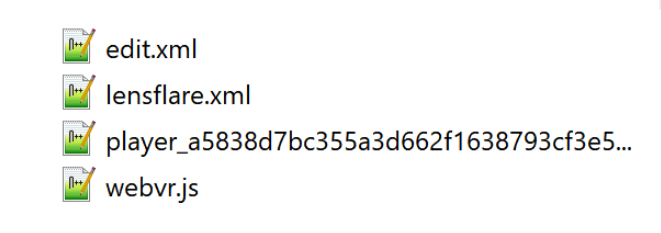
Static Web Resource Download Function
KRPano Plugin Decryptor can save and download static resources from websites, including images, HTML pages, JS files, CSS stylesheets, and all other static website resources.
Load the website to download
-
Open the software and wait for initialization to complete
-
First, open the website from which you want to download static resources. For example, we'll open the KRPano example page https://krpano.com/examples/
-
After loading is complete, you can see various resource files in the resource viewer on the left, including jpg images, html pages, css stylesheet files, etc.
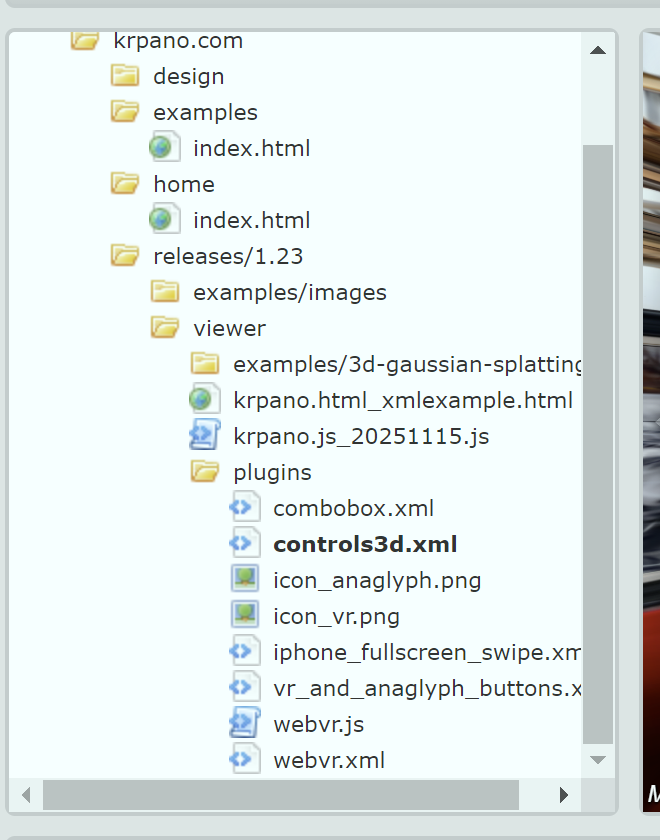
-
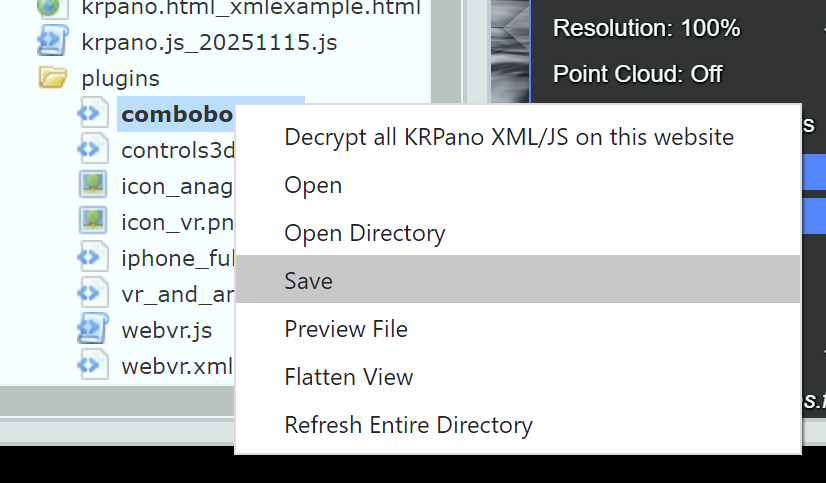
Select the resource files or folders you want to save, right-click Save, and the files will be saved locally